 Automatic highlightsRoblox

Find out how Outplayed captures your game and which moments it can save automatically
Available in games with supported event detection
Capture games beyond the supported list
Recording options vary by game
Open your game’s page to see what’s available
Show
Sort by
40 games shown
Automatic highlightsRoblox
 Automatic highlightsVALORANT
 Automatic highlightsLeague of Legends
 Automatic highlightsMinecraft
 Automatic highlightsTeamfight Tactics
 Automatic highlightsOverwatch
 Automatic highlightsApex Legends
 Automatic highlightsFortnite Battle Royale
 Automatic highlightsCounter-Strike 2
 Automatic highlightsRainbow Six Siege
 Automatic highlightsWorld of Warcraft
 Automatic highlightsRocket League
 Gameplay recordingWARDOGS
 Automatic highlightsMarvel Rivals
 Automatic highlightsPUBG
 Gameplay recordingFiveM
 Automatic highlightsDeadlock
 Automatic highlightsGenshin Impact
 Gameplay recordingDelta Force
 Gameplay recordingAION 2
 Automatic highlightsEscape From Tarkov
 Automatic highlightsAniimo
 Gameplay recordingDead By Daylight
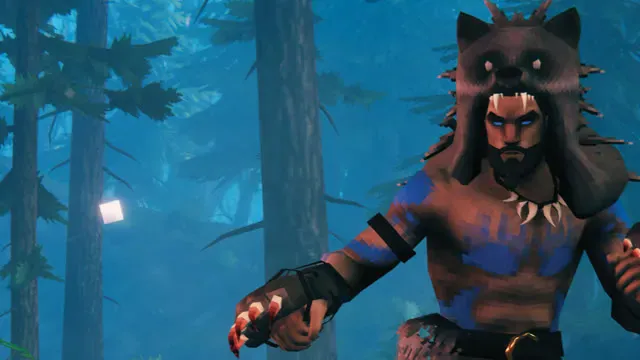
 Gameplay recordingValheim
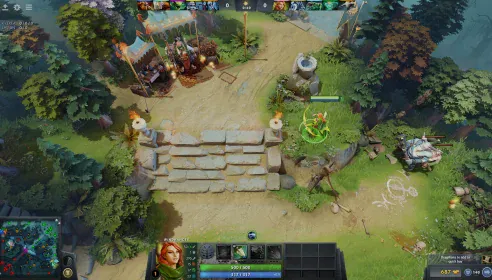
 Automatic highlightsDota 2

 Gameplay recordingEA SPORTS FC 27
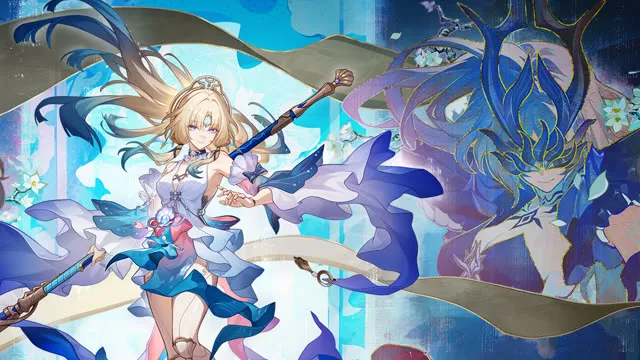
 Automatic highlightsHonkai: Star Rail
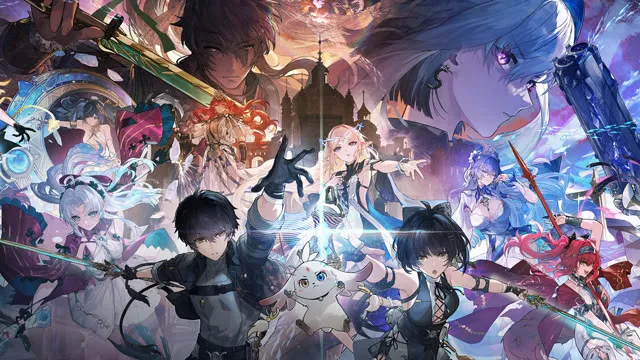
 Automatic highlightsWuthering Waves
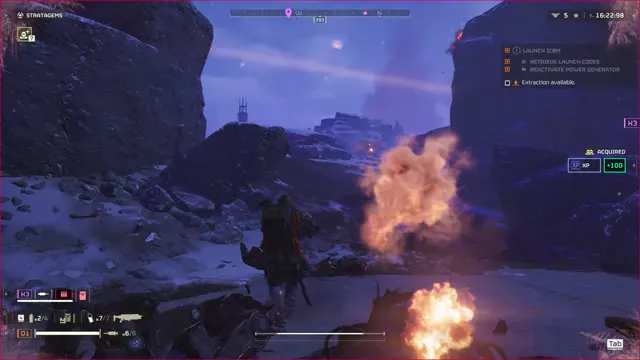
 Automatic highlightsHELLDIVERS 2
 Gameplay recordingVRChat
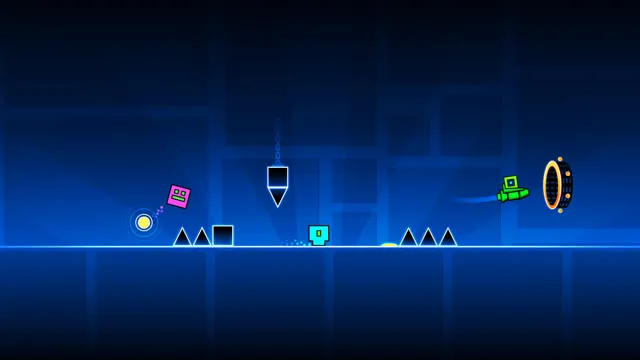
 Gameplay recordingGeometry Dash
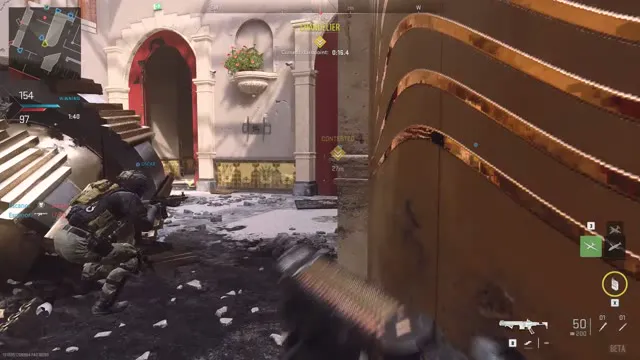
 Automatic highlightsCall of Duty
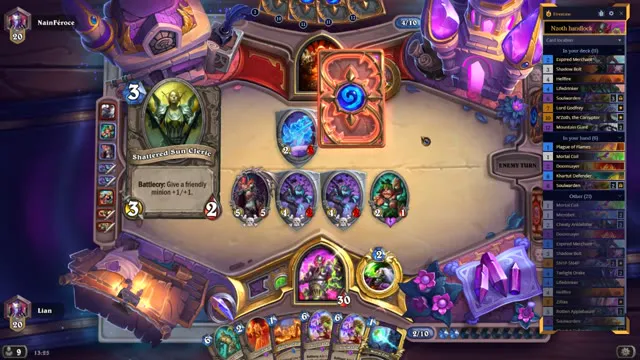
 Gameplay recordingHearthstone
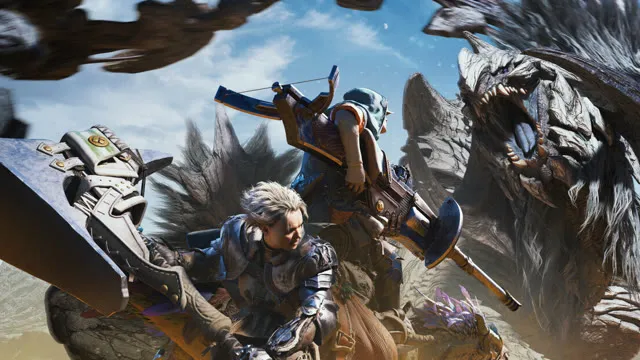
 Automatic highlightsMonster Hunter Wilds
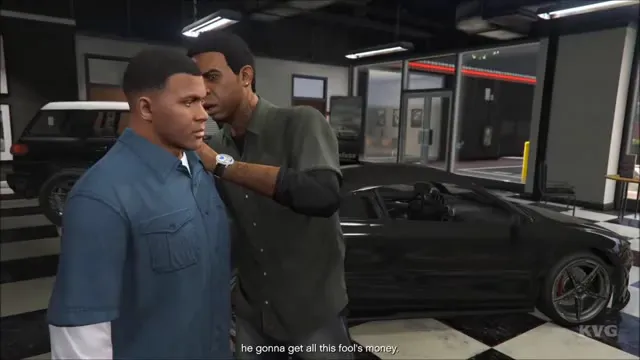
 Gameplay recordingGrand Theft Auto V

 Gameplay recordingWar Thunder
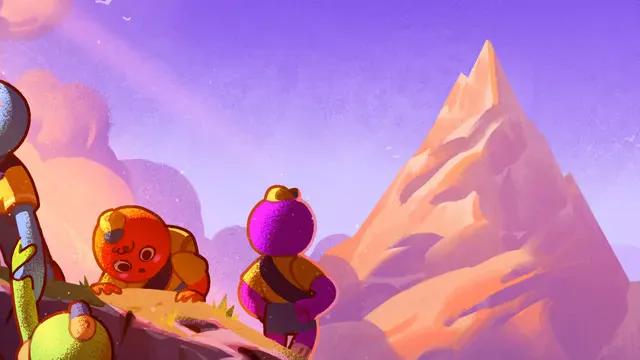
 Automatic highlightsPEAK
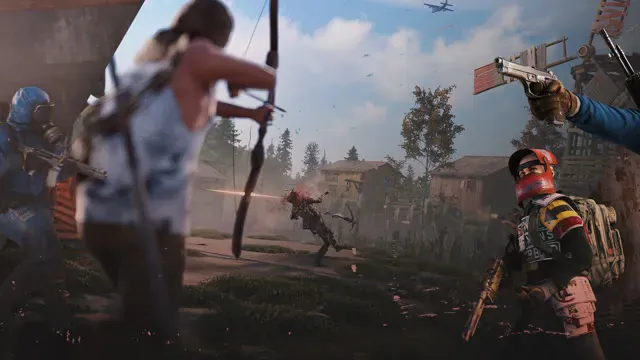
 Gameplay recordingRust
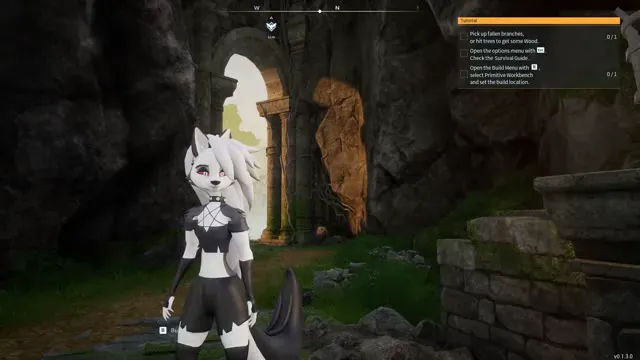
 Automatic highlightsPalworld
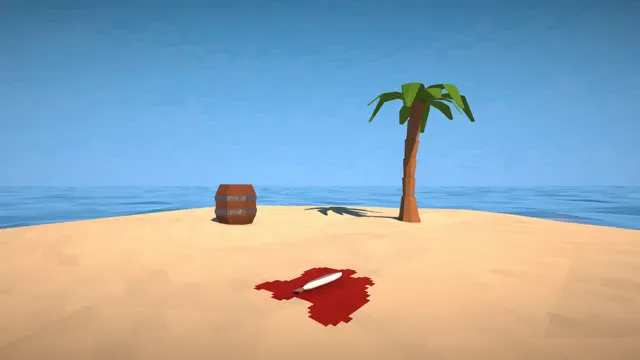
 Gameplay recordingHow to Fish
See what’s available for your game, from automatic highlights to full-session recording