Full Match Recording
Save the whole match and scrub back to the part worth keeping.

 Automatic highlights
Capture supported Fortnite highlights automatically, then edit and share your favourite moments
For Windows 10 and 11. A free Overwolf account is required to access Outplayed
Highlights captured for you
Downloads
Rated by 2,496 players
On the Overwolf Appstore
Enable Highlights mode to capture supported Fortnite moments automatically. No hotkey needed. After playing, open Sessions to find the clips you want to keep.
Capture runs on the Overwolf client while you play. See every supported game
Capture while you play. Find, edit and share your moments afterwards
Enable Fortnite in Outplayed and choose your capture mode. Outplayed records according to your settings while you play.
Open Sessions to review your recordings and use event markers to find supported moments.
Trim your clip in the built-in editor, then share it to TikTok, Discord or YouTube. You can also create a shareable link.
Compare automatic highlights, editing, streaming and installation options
 Outplayed |  NVIDIA ShadowPlay |  OBS Studio |  Xbox Game Bar | |
|---|---|---|---|---|
| Automatic highlight capture | Yes, automatic | Yes, in games that support NVIDIA Highlights | No | No |
| Free | Yes, with ads | Yes, needs an NVIDIA GPU | Yes, open source | Yes, built into Windows |
| Built-in editor | Yes | No | No | No |
| Live streaming | No | No built-in broadcasting in the NVIDIA app | Yes | No |
| Installation | Runs on the Overwolf client | Part of the NVIDIA app | Standalone | Built into Windows |
Choose Outplayed for supported automatic highlights, built-in editing and sharing. OBS suits streaming setups, while Game Bar offers recording built into Windows.
Choose how much gameplay to record, or capture your screen
Save the whole match and scrub back to the part worth keeping.
Record everything from the moment Fortnite Battle Royale launches until you close it.
Grab any moment on demand with a hotkey you choose.
Record anything else on your screen, in or out of a game.
Outplayed supports hardware encoding on compatible NVIDIA, AMD and Intel GPUs. Performance impact depends on your hardware, game and recording settings.
Outplayed runs on Overwolf, which works with game publishers to keep official Appstore apps aligned with their terms of service and fair-play policies.
In Highlights mode, Outplayed can automatically capture supported moments such as kills, knockouts, being revived and deaths. Choose which available events to capture in your Fortnite settings.
Yes, if Outplayed was already recording and the moment is still available in your recording or replay buffer. It cannot recover gameplay from before recording started.
Yes. Recording, editing and sharing are available on the free Core plan, which includes ads. Premium removes the ads, at $8.99 a month or $5.99 a month billed annually. Shared clips have no expiration date on either plan.
Yes. A free Overwolf account is required to access Outplayed. Recording can continue while you’re logged out.
Share directly to TikTok, Discord, YouTube and Reddit, or create an outplayed.tv link to send through WhatsApp and other messaging apps.
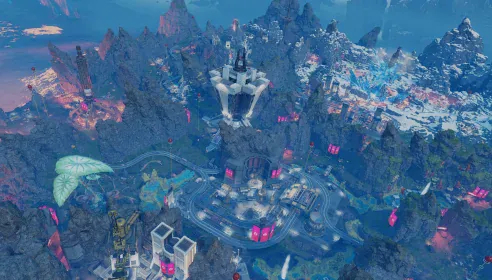
 Automatic highlightsApex Legends
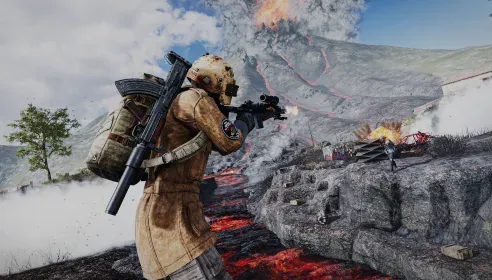
 Automatic highlightsPUBG
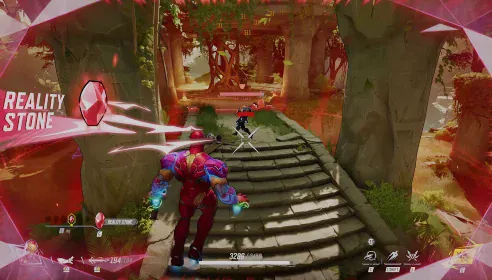
 Automatic highlightsMarvel Rivals
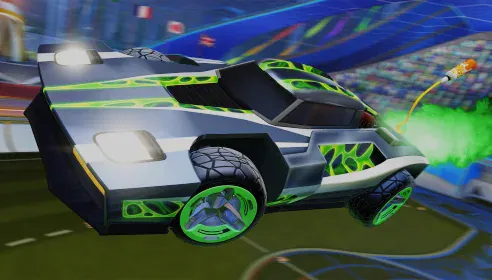
 Automatic highlightsRocket League
Install Outplayed, enable Fortnite recording and get ready for your next match
Download free