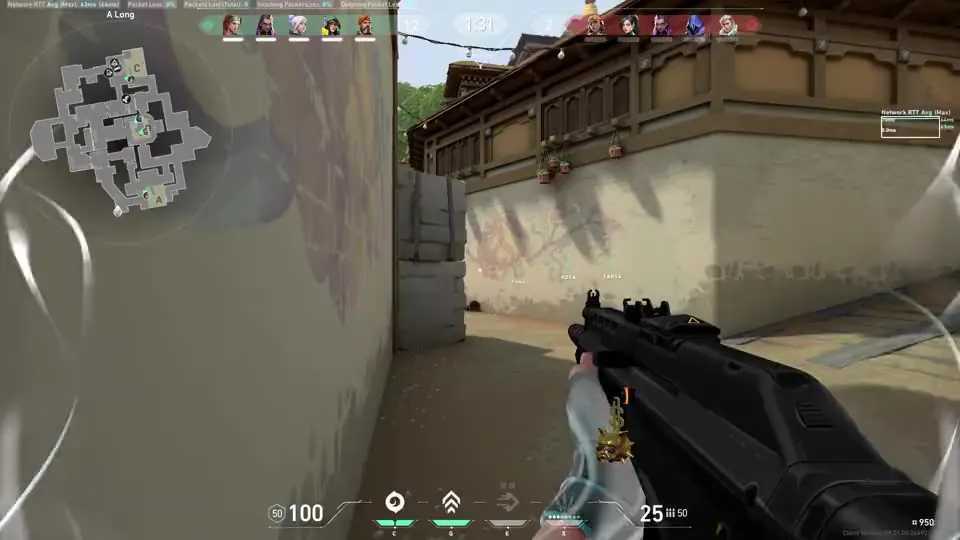
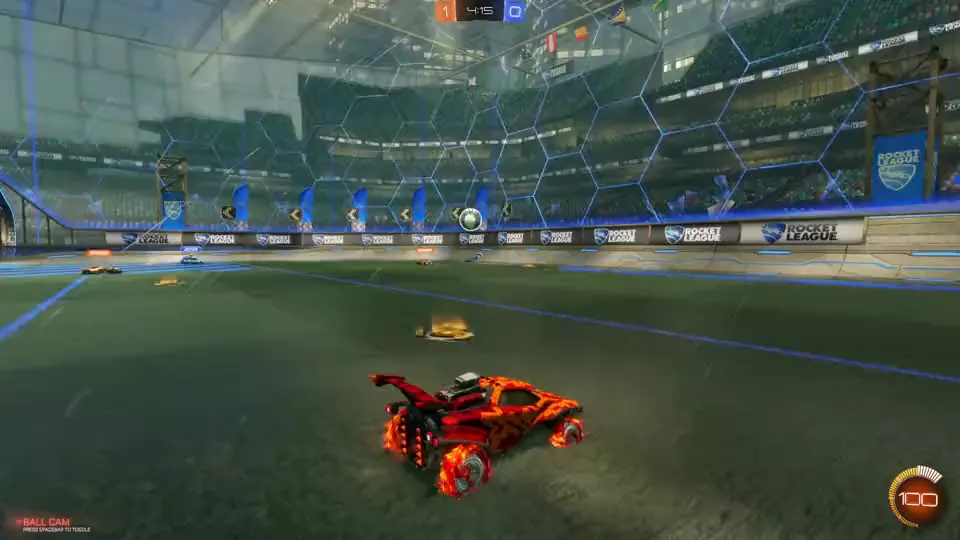
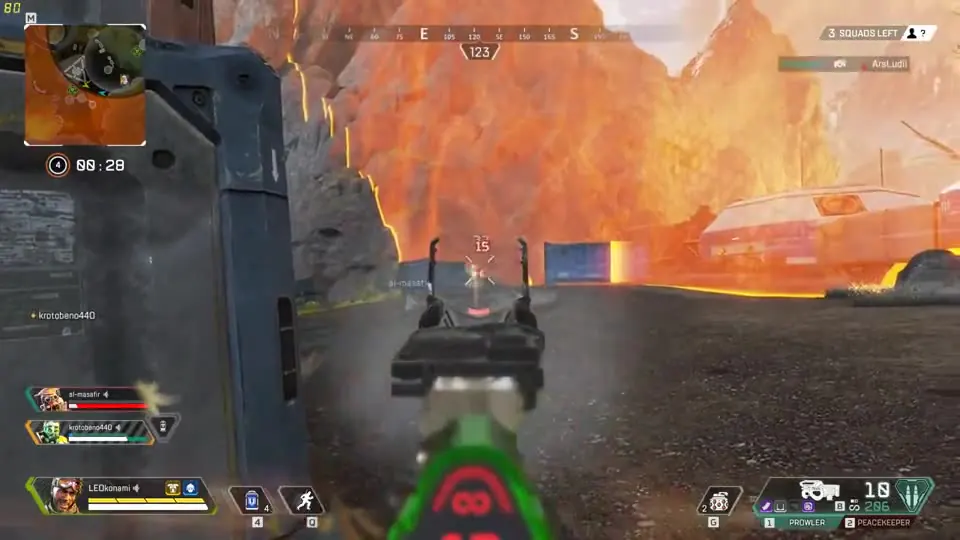
Outplayed is the better all-round tool for most gamers who want to capture, edit and share their highlights. It saves them automatically across many supported games, with extensive event coverage, and every supported game has a page showing what it detects.
Outplayed vs Steam Game Recording
Compare game-event markers, editing and sharing across Outplayed and Steam’s built-in recording tools
The Short Version
Steam Game Recording records in the background and marks game events, but only in titles whose developers integrated its timeline, and the Game Recording page does not list which ones. Its clip tools are lightweight, and sharing runs through Steam and temporary links.
Which Recorder Fits the Way You Play?
Choose Outplayed If
- You want highlights saved automatically across many games, no hotkey needed
- You want to trim, merge, crop and build montages in one app
- You want built-in sharing to social platforms
- You want shareable clip pages on outplayed.tv
- You play a game covered by Outplayed’s events that does not have Steam timeline integration
Choose Steam If
- You already use Steam and want its built-in recorder
- You play on Steam Deck
- You want to transfer footage between Steam devices and your phone
Feature by Feature
Both tools can help you find in-game moments, with different editing and sharing workflows
| Feature | ||
|---|---|---|
| Game events marked on a timeline | Yes, from Overwolf game events | Yes, from the Steam Timeline API |
| Game-event integration | Overwolf builds the game-event coverage | The game’s developer integrates the Steam Timeline API |
| Recording Modes | Full session and full match recording; manual replay capture from 15 seconds to 10 minutes | Background and on-demand recording; per-game duration, including an infinite-recording option |
| Records non-Steam games | Yes; supported game capture and screen recording | Yes, when the Steam Overlay can run |
| Capture Scope | Game capture and optional screen recording | Records the game rather than the desktop |
| Built-in editor | Trim, merge, crop, montage | Lightweight clip tools and MP4 export |
| Post straight to social | TikTok, Discord, WhatsApp, YouTube, Reddit | Steam friends and chat, MP4 export, temporary Steam link |
| Clip pages and sharing links | Shareable clip pages on outplayed.tv | Temporary share links and Steam sharing, rather than a public clip profile |
| Price | Free, optional Premium | Free with Steam |
Compare Support, Then Compare the Workflow
Both tools use game events, but they get them differently. Steam’s markers appear only when a game’s developer integrates the Steam Timeline API. Overwolf builds Outplayed’s event coverage itself, across many games, and the Games pages show the supported events.

Start With Your Games
Check which automatic highlights Outplayed supports in the titles you play
Check your game


Edit and Share
Trim, merge and crop clips in Outplayed, then use its built-in social sharing options

If You Already Record With Steam
Keep Steam for your library and Steam Deck, and let Outplayed save your highlights automatically, then edit and share them. Turn off any recording buffer you do not need
What’s in Development
These features are in development and are not included in the comparison of currently available features
Standalone Install
Use Outplayed without a separate Overwolf client
Mobile Support
Access your clips from your phone
Full-Video Hosting
Host full videos alongside your clips
Clips You Appear In
Discover moments other players recorded of you
Voice-Activated Clipping
Save a clip with a voice command
Editor Sound and Visual Effects
Add sound and visual effects to your edits
Your Questions, Answered
Does Steam Mark Events Like Outplayed Does?
Yes. Steam supports game-added event markers in timeline-enhanced games, with a Highlight Viewer that lets you jump between events. Outplayed uses supported game events to capture highlights automatically. Available events vary by game.
Why Use Outplayed Instead?
Outplayed saves highlights automatically across many games, with extensive event coverage, then gives you an editor and built-in social sharing. Steam’s markers depend on each game’s developer, and its clip tools are lightweight.
Is Steam Game Recording Free?
Yes. It is included in Steam.
Does Steam Record Non-Steam Games?
Yes, provided the game allows the Steam Overlay to run.
Can I Run Both?
Yes, but simultaneous background recording can increase resource use. Disable any recording buffer you do not need.
Check Outplayed’s automatic-highlight support, then compare how you want to edit and share
Browse supported games