


Incredibly welcoming to beginners
“I set mine to record automatically when I open a game, so it's impossible for me to mess up”
 Dark FireTrustpilotSeptember 1, 2026

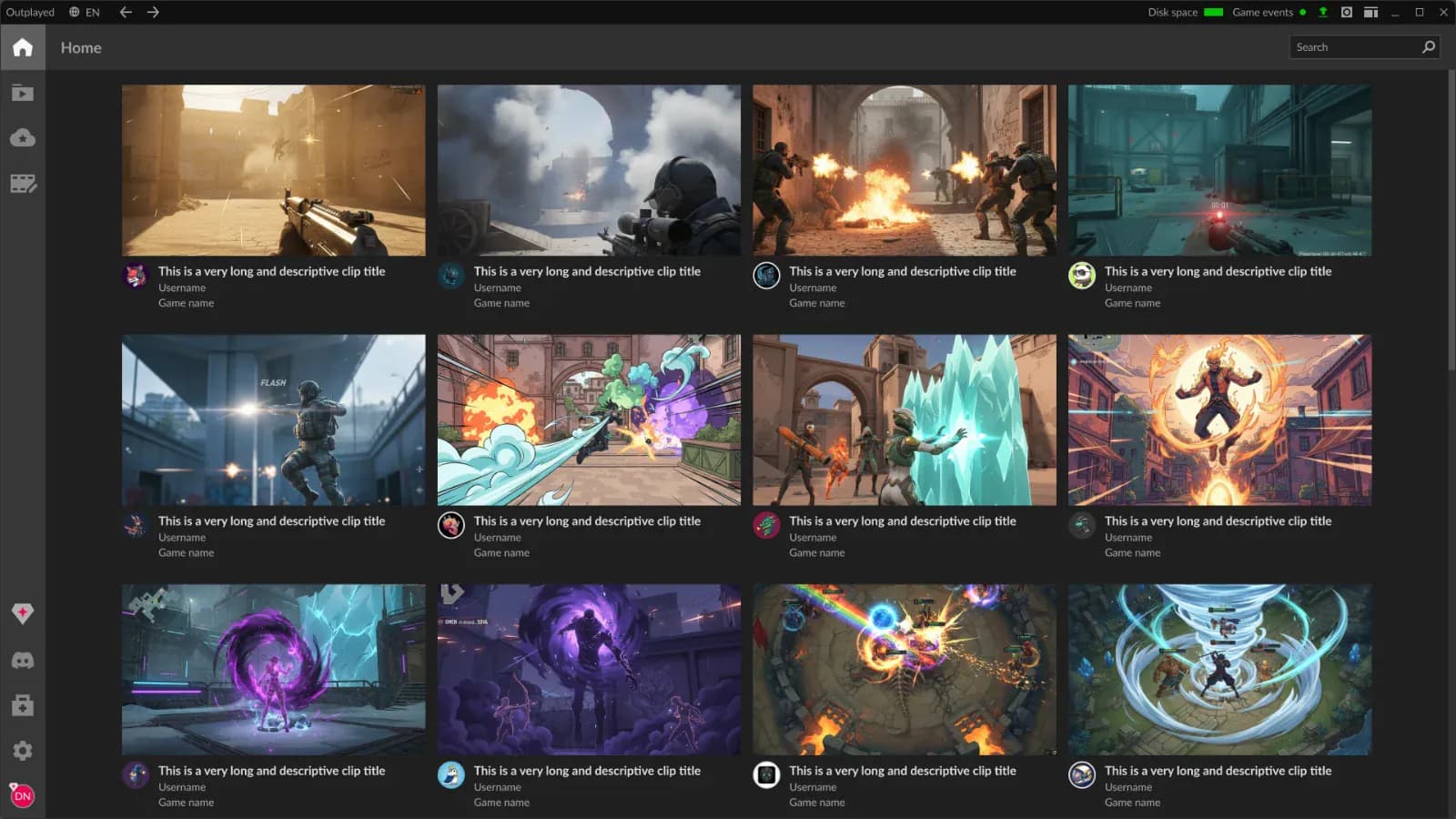
Outplayed records while you play. Relive your clutch wins and ridiculous fails, and share them with a community that gets it
No signup needed to start recording
Games supported
Plus anything else via screen recording
Downloads
Rated by 2,496 players














The clutch you still talk about. The fail that became an inside joke. Outplayed keeps them ready for the next time someone says, “Remember when?”
Keep your focus on the game. Capture starts when the game launches and runs on your GPU’s hardware encoder
Find the play you want to revisit. In games with supported event detection, kills and objectives are marked where they happened on your timeline
Cut straight to the good part and share it with your friends, without exporting a file and uploading it somewhere else
Now on
Automatically capture supported moments in Valorant, including spike defuses and detonations, without reaching for a hotkey. Every supported game has a page showing exactly what Outplayed picks up
See the Valorant listLet Outplayed capture supported highlights automatically, record a full match, or save a moment yourself
Save supported game events as clips automatically, without reaching for a hotkey
Keep the whole session and jump back to the part worth cutting
Save the last 15 seconds to 10 minutes with a hotkey
Capture anything on your screen, in or out of a game
Incredibly welcoming to beginners
“I set mine to record automatically when I open a game, so it's impossible for me to mess up”
Dark FireTrustpilotSeptember 1, 2026Incredibly useful
“It's just there and records, then you can easily clip what you want and post in discord or whatever”
 f rTrustpilotJuly 31, 2026
Perfect
“You can tweak almost anything to make the clipping and capture features perfectly suited to your preferences”
 BashakhanTrustpilotAugust 4, 2026
I really love Outplayed
“It is so easy and so simple to use and the quality is top notch”
 Kanida NighthoodTrustpilotJuly 31, 2026
Yes. Recording, the editor and sharing all work on the free plan, which includes ads. Premium removes the ads. Shared clips have no expiration date on either plan.
Outplayed records 5,000+ verified titles, plus anything else through screen recording. In games with supported event detection, it reads the game’s events and clips supported moments automatically. Every supported title has a page listing exactly what it detects, including games without automatic highlights.
Outplayed records using your GPU’s hardware encoder on NVIDIA, AMD and Intel. Performance impact depends on your hardware, game and recording settings.
You need to be logged in to use Outplayed, and a free Overwolf account covers it. Recording keeps running even while you are logged out.
Outplayed runs on the Overwolf client, which is signed and studio sanctioned. That client gives it access to real in‑game events, enabling automatic clipping. It is a fair thing to weigh if you only ever clip manually.
Shared clips on outplayed.tv have no expiration date, whether you’re on the free plan or Premium. Your local recordings are stored separately on your PC.