
Download Outplayed
Your next great moment deserves a clip. Capture supported highlights automatically, then edit and share them with friends
Free, with ads. No paid subscription required
For Windows 10 and 11. A free Overwolf account is required to access Outplayed
Rated 4.6 out of 5 by 2,496 players, with 17M+ downloads
From Download to Your First Clip
Outplayed installs with the Overwolf client, which provides the game-event data used for automatic highlights
- 01
Install the Overwolf Client
Run the installer and follow the on-screen instructions. It installs the Overwolf client if you don’t already have it.
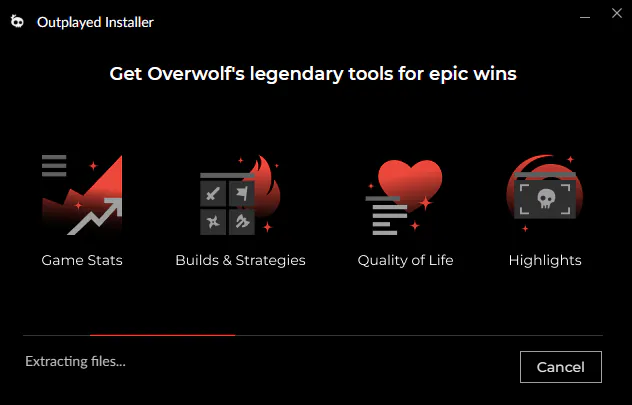
- 02
Install Outplayed
The installer adds Outplayed to the Overwolf client. If you already use Overwolf, you can add Outplayed to your existing installation.
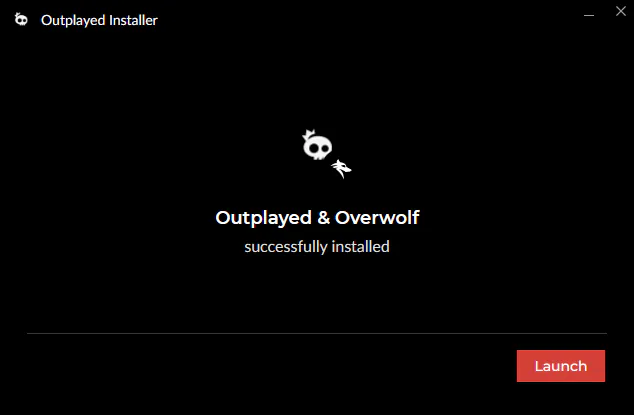
- 03
Sign In
Create a free Overwolf account or sign in to an existing one to access Outplayed. Recording can continue while you’re logged out.
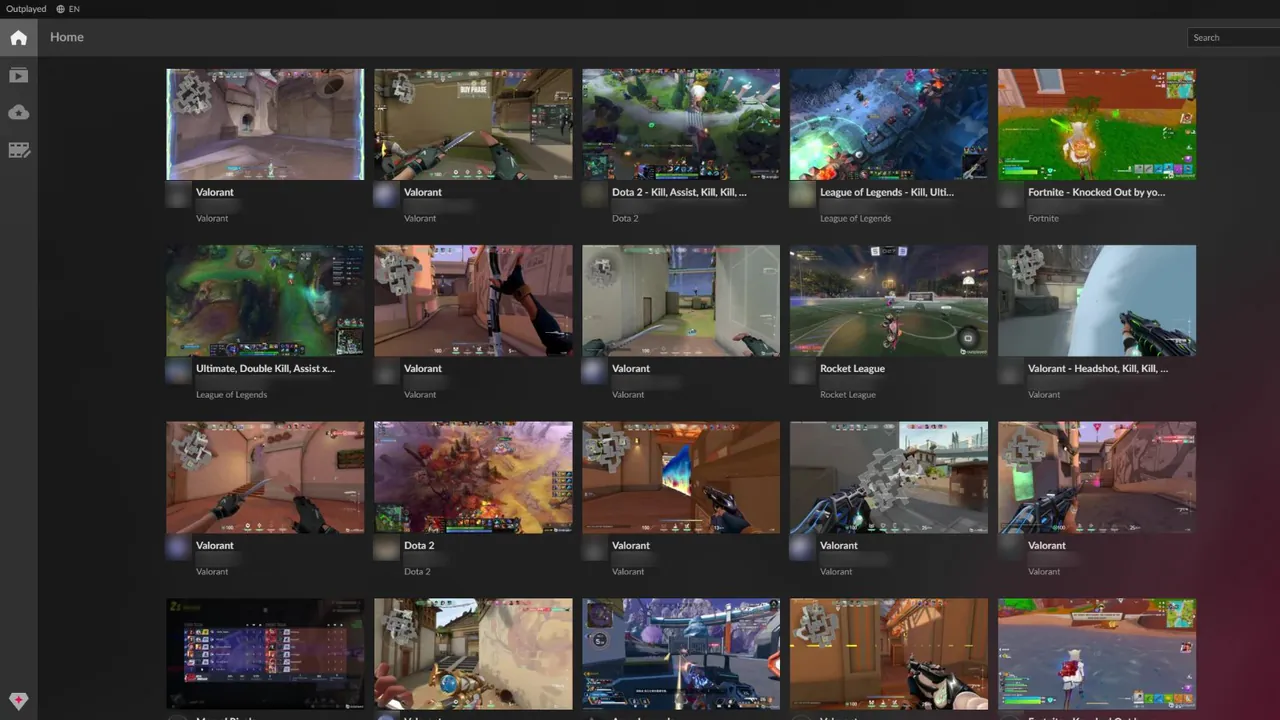
- 04
Choose Your Games and Play
Enable your games and choose a recording mode. Use Highlights for supported automatic clips, or choose another available mode, such as Full Session or Manual capture.

What You’ll Need
Recording performance depends on your hardware, game and settings. Compatible NVIDIA, AMD and Intel GPUs support hardware encoding
- Operating systemWindows 10 or Windows 11
- GraphicsCompatible NVIDIA, AMD or Intel GPU with hardware encoding support
- Included softwareThe Overwolf client, which Outplayed runs on
- AccountA free Overwolf account is required to access Outplayed. Recording can continue while logged out
- StorageSpace for your recordings. How much you need depends on recording quality, duration and how many clips you keep
- CostFree, with ads. Premium removes the ads
Check your storage settings when you get started and choose how much space to set aside for recordings
Built for the Games You Love
Find your game and see its supported highlights and recording options before you install














Before You Download
Why Does Outplayed Install the Overwolf Client?
Outplayed runs on the Overwolf client. The client provides game-event data that Outplayed uses to capture supported highlights automatically. If Overwolf is already installed, Outplayed uses your existing client.
Is Outplayed Free?
Yes. Recording, editing and sharing are available on the free Core plan, which includes ads. Premium removes the ads. Shared clips have no expiration date on either plan.
Will Recording Affect My Performance?
Outplayed supports hardware encoding on compatible NVIDIA, AMD and Intel GPUs. Performance impact depends on your hardware, game and recording settings.
Which Games Can I Record?
Outplayed supports gameplay recording in 5,000+ games. Automatic highlights are available in games with supported event detection. Check your game’s page for its recording options and supported highlights. For games outside the supported list, you can use the Screen Recorder.
How Do I Uninstall Outplayed?
You can uninstall Outplayed through Windows Settings. Back up any recordings you want to keep first, as uninstalling may delete local recording files.
Legends Start Here
Keep the moments you’ll still be talking about long after the match ends
Download free